


Simple Setup
No app. No wiring. Fully autonomus.
Getting Started
What is Look@ Sculptures?
How does it work?
Do I need to download an app?
Look@ works directly in your phone’s browser. Just scan the QR code and you’re good to go.
get in touch
What devices are supported?
Most modern smartphones work well, including iPhones and Android devices with updated browsers (Chrome, Safari, Firefox). Very old phones or outdated browsers may have limited functionality.
get in touch
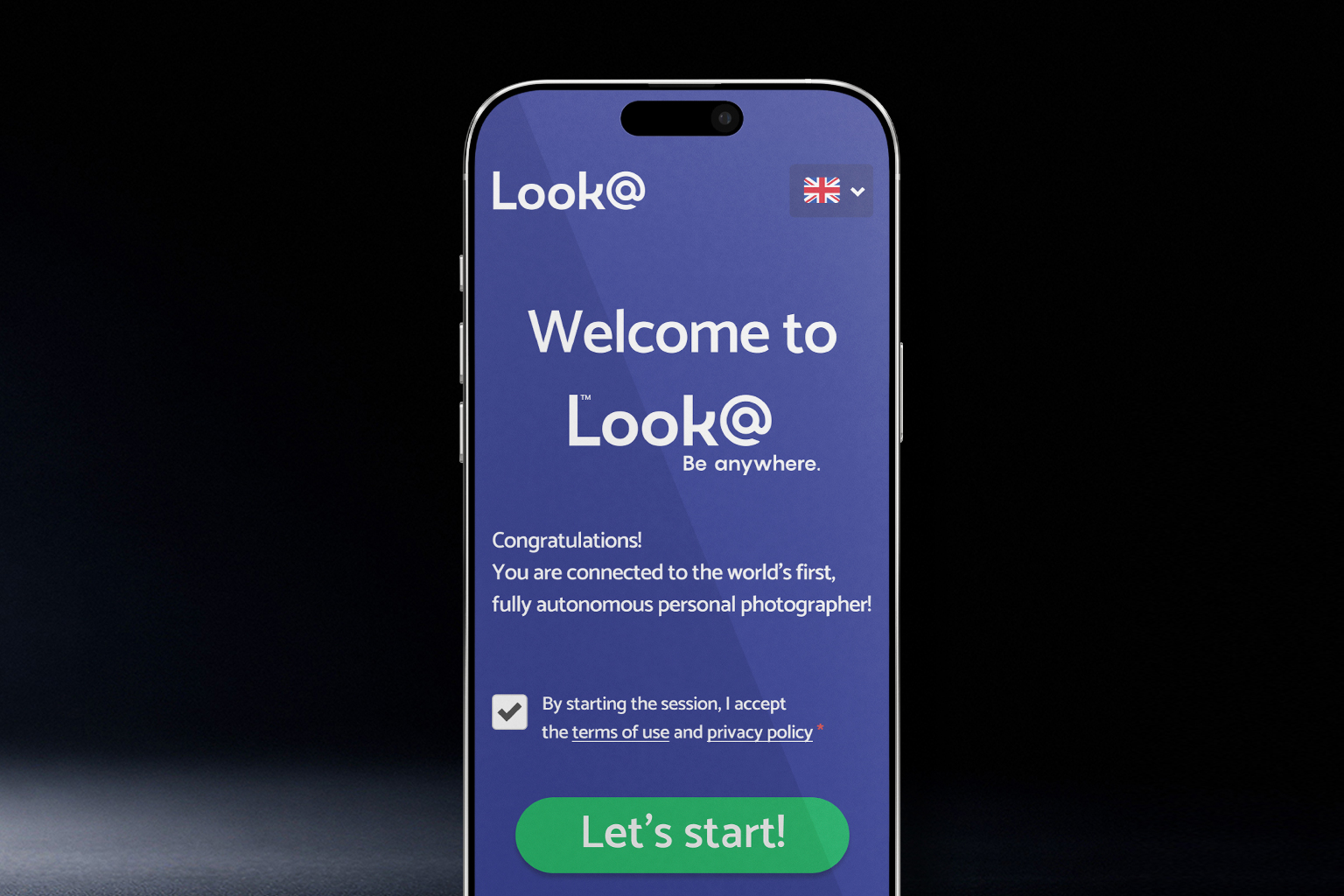
Easy & Instant
No app required.
Connect, pose, and capture in seconds.
User Experience
Why does the sculpture ask for camera access?
Why does my phone connect to the Look@ Wi-Fi?
Why does the preview image look low quality?
The live preview is optimized for speed and performance. Your final photo is captured and
processed in higher quality after you take it.
get in touch
processed in higher quality after you take it.
Where should I stand?
Stand in front of the sculpture and use the on-screen guides or overlay to position yourself
correctly. Staying within the marked area ensures the best results.
get in touch
correctly. Staying within the marked area ensures the best results.
Can more than one person be in the photo?
That depends on the specific sculpture and overlay. Some are designed for one person,
others allow multiple people if they fit within the frame.
get in touch
others allow multiple people if they fit within the frame.
Can children use Look@ Sculptures?
Can I wear glasses, hats, or accessories?
How should I position myself?
Can I retake my photo?
Can I use the sculpture more than once?
Fast & Seamless
High-quality photos are delivered
immediately after capture,
ready for any platform.
Photo Delivery & Sharing
How do I receive my photo?
How long does it take to receive my photo?
I didn’t receive my email - what should I do?
• Check your spam or junk folder
• Make sure the email address was typed correctly
• If needed, try entering your email again.
get in touch
• Make sure the email address was typed correctly
• If needed, try entering your email again.
Can I share my photo on social media?
Absolutely! Once you receive or download your photo, you can share it anywhere you like.
get in touch
Need Help?
Most issues are solved
in seconds. Follow the tips
to get back to capturing.
Troubleshooting
The page won’t load - what’s wrong?
My camera isn’t working
I didn’t receive my email - what should I do?
• Check your spam or junk folder
• Make sure the email address was typed correctly
• If needed, try entering your email again.
get in touch
• Make sure the email address was typed correctly
• If needed, try entering your email again.
Can I share my photo on social media?
Absolutely! Once you receive or download your photo, you can share it anywhere you like.
get in touch
Free by Default
Core experience included,
with premium add-ons
available on demand.